
Managing multiple social media accounts effectively is a high-stakes balancing act. It’s more than just posting updates; it's about strategic content scheduling, consistent brand voice, deep engagement, and performance analysis. Without the right system, this process can quickly become overwhelming, inefficient, and yield poor results, consuming valuable time that could be spent on core business operations like serving customers or developing new products.

The right social media management tool transforms this chaos into a streamlined, data-driven strategy. It automates repetitive tasks, provides critical analytics for informed decision-making, and centralizes your entire social presence into one manageable dashboard. This guide is designed to help you navigate the crowded market and pinpoint the perfect platform for your specific goals. We will delve into the top social media management tools, providing a comprehensive analysis of each one.
You will find detailed profiles covering key features, practical use cases, and honest assessments of both pros and cons. Each review includes screenshots to give you a feel for the user interface and direct links for easy access. We've structured this resource to move beyond generic descriptions, offering insights into which tools are best suited for small business bar operators, liquor manufacturer marketing teams, and bar consultants. If you are specifically focused on scheduling capabilities, it's also helpful to see how different platforms stack up. To gain a broader perspective on available solutions, consider this comprehensive review of the 12 best social media scheduling tools for 2025. Our goal is to equip you with the knowledge needed to select a tool that not only saves you time but also becomes a true secret weapon for your brand's growth.
1. Hootsuite
Hootsuite is one of the most established and comprehensive platforms in the social media management space, making it a reliable choice for businesses of all sizes. It excels at providing a full-suite solution that covers everything from scheduling content and engaging with audiences to in-depth analytics and social listening. For liquor brands or bar consultants managing multiple client accounts, Hootsuite’s strength lies in its scalability and robust governance controls, which allow for secure team collaboration and approval workflows.
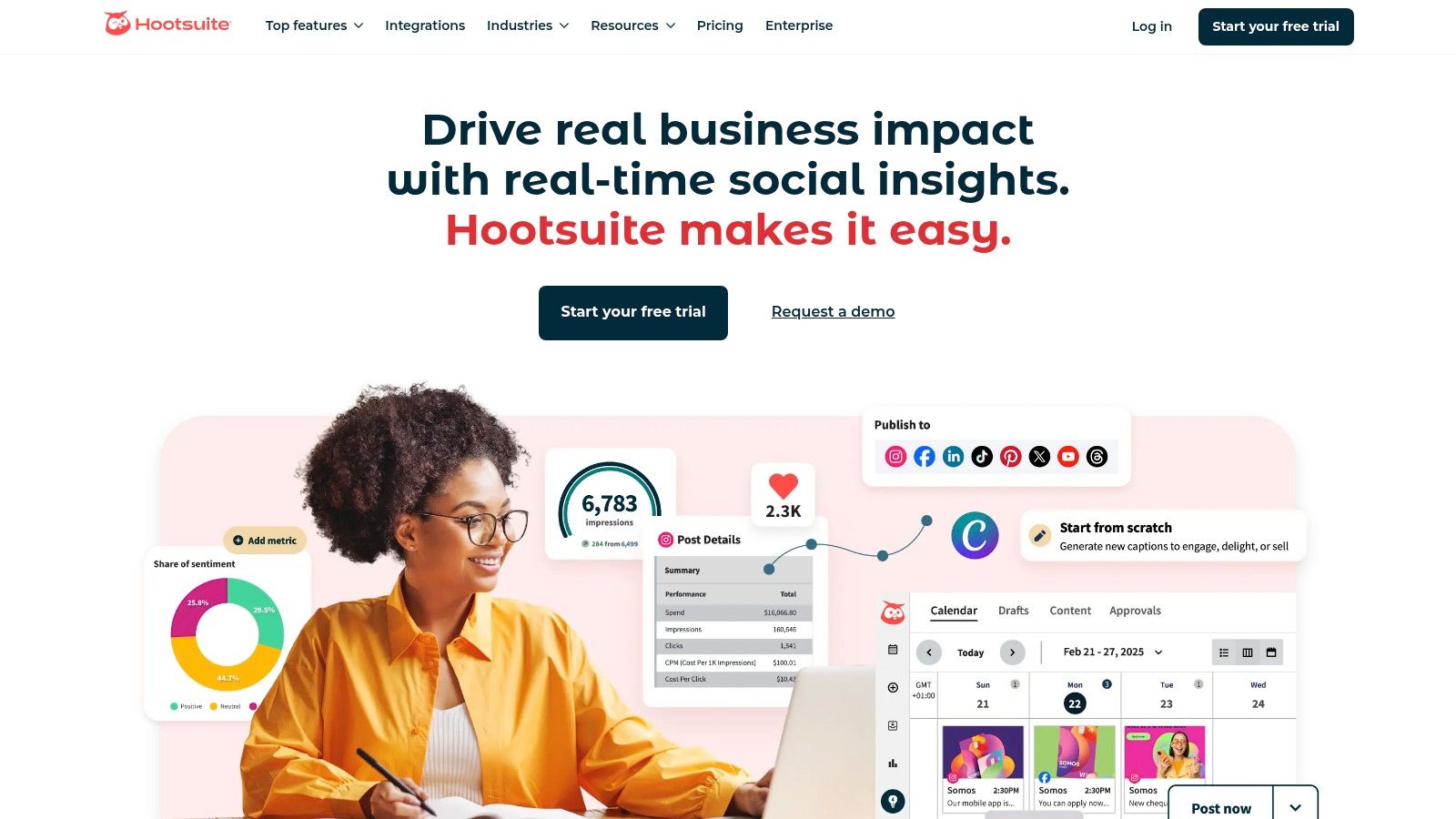
The platform’s unified inbox, a standout feature, consolidates all incoming messages and mentions into a single stream. This is invaluable for busy bar operators needing to quickly respond to customer inquiries and reviews across different networks. Additionally, its AI assistant, OwlyGPT, can help marketing teams quickly generate on-brand captions and post ideas, a significant time-saver for content creation. This powerful combination of features solidifies its place as one of the top social media management tools available today.
Key Details & Use Cases
- Ideal For: Medium-to-large businesses, agencies, and enterprises needing a scalable, all-in-one tool with strong team management features.
- Standout Feature: Broad network coverage, including TikTok, Instagram, Facebook, LinkedIn, and more, alongside advanced security and compliance options for larger teams.
- Practical Tip: Use the "Streams" feature to create custom feeds that monitor specific keywords, hashtags (like your bar's name or a signature cocktail), and competitor mentions in real-time. This helps you stay ahead of conversations relevant to your brand.
| Feature Highlights | Pricing & Plans |
|---|---|
| Unified content calendar | Professional: Starts at $99/month |
| All-in-one message inbox | Team: Starts at $249/month |
| Advanced analytics & reporting | Enterprise: Custom pricing |
| OwlyGPT AI assistant | A limited free plan is also available. |
Pros:
- Extensive integrations and broad social network support.
- Scales effectively from single users to large, multi-department enterprises.
- Proven reliability and a long-standing market presence.
Cons:
- Higher price point compared to tools focused solely on small businesses.
- Can have a steeper learning curve for users who only need basic scheduling.
To understand how a strong social media presence fits into a broader strategy, you can get insights on building an online presence for your business.
Website: https://www.hootsuite.com/
2. Sprout Social
Sprout Social is a premium, all-in-one platform engineered for businesses that prioritize deep data analysis and sophisticated customer care workflows. It stands out by integrating powerful publishing tools with best-in-class analytics, social listening, and engagement features. For marketing teams at distilleries or multi-location bar groups, Sprout Social provides the clarity needed to measure ROI from both paid and organic social media efforts, making it one of the top social media management tools for data-driven decision-making.
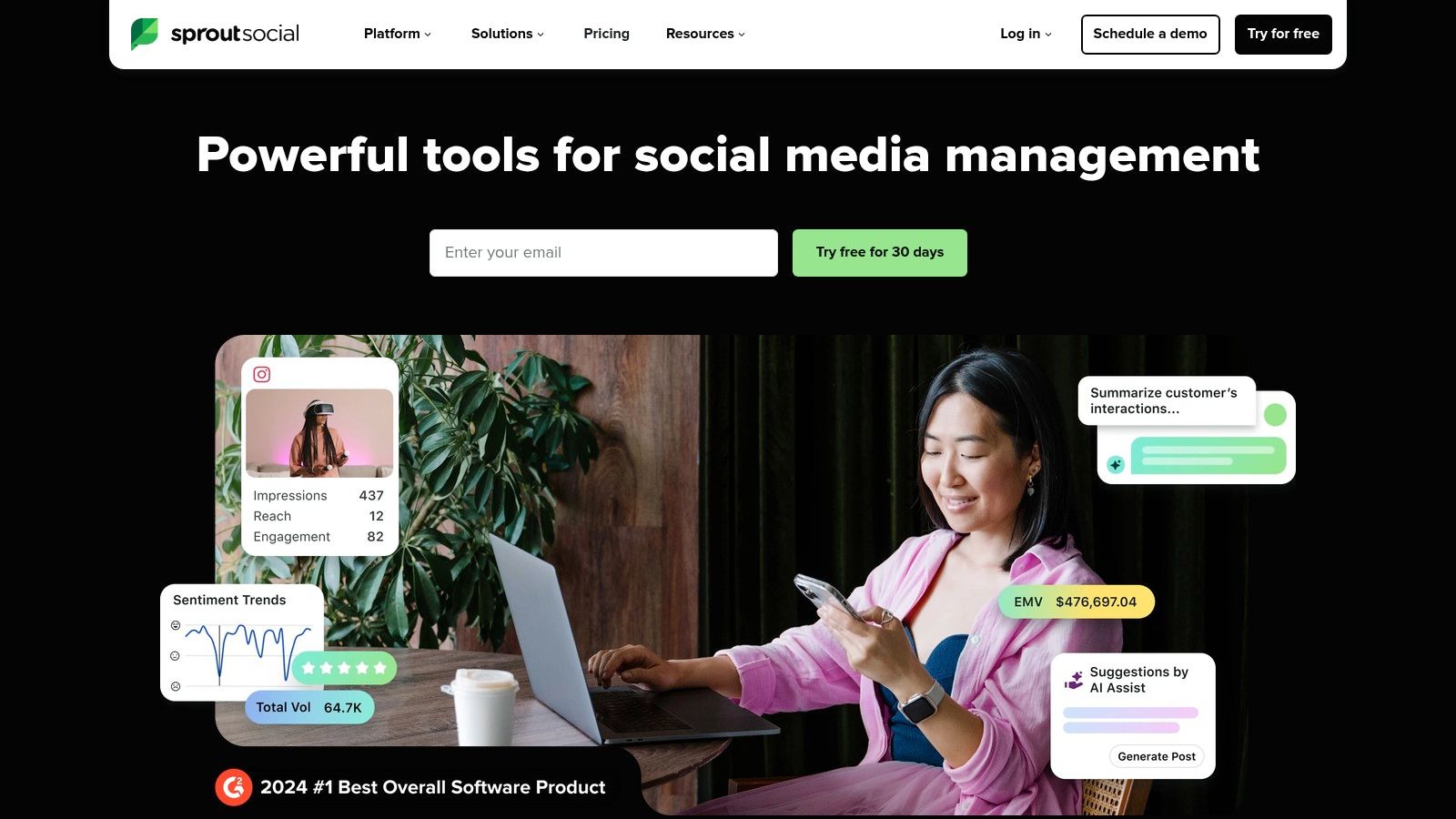
The platform’s clean interface and collaborative design make it highly effective for teams. Features like the Smart Inbox centralize messages, while detailed approval workflows ensure brand consistency across all posts. Its reporting capabilities are particularly strong, allowing users to create presentation-ready reports that clearly demonstrate campaign performance to stakeholders. This focus on analytics and team-based efficiency solidifies its reputation as a leading solution for businesses ready to scale their social media strategy.
Key Details & Use Cases
- Ideal For: Mid-market to enterprise-level businesses and agencies that require deep analytics, stakeholder reporting, and collaborative team workflows.
- Standout Feature: A unified Smart Inbox combined with powerful social listening and review management tools, allowing for comprehensive brand monitoring and customer engagement.
- Practical Tip: Use the "Optimal Send Times" feature when scheduling posts. Sprout Social analyzes your audience’s past engagement patterns to suggest the best times to publish, maximizing visibility for new cocktail features or event announcements.
| Feature Highlights | Pricing & Plans |
|---|---|
| Publishing with optimal send times | Standard: Starts at $249/month |
| Deep analytics & paid/organic reporting | Professional: Starts at $399/month |
| Social listening & review management | Advanced: Starts at $499/month |
| Per-seat model for collaborative teams | A 30-day free trial is available. |
Pros:
- Extremely robust reporting and analytics provide deep insights for stakeholders.
- Scales well for growing teams with strong governance and approval workflows.
- Intuitive, user-friendly interface that simplifies complex features.
Cons:
- The per-seat pricing model can become costly for larger teams.
- Some advanced features, like premium analytics, are limited to higher-priced tiers.
Website: https://sproutsocial.com/
3. Buffer
Buffer is renowned for its clean interface and straightforward approach, making it an excellent choice for small businesses, creators, and lean teams that prioritize simplicity and value. It focuses on the core tasks of social media management: planning, scheduling, and publishing content, without the complexity of more enterprise-focused platforms. For a small distillery or a single-location bar, Buffer provides an intuitive way to manage a content calendar and maintain a consistent online presence with minimal training.
The platform's standout quality is its user experience, which is designed to get users scheduling posts within minutes. Features like the AI assistant for brainstorming captions, a hashtag manager, and first-comment scheduling for Instagram streamline the content creation process. This simplicity and efficiency make it one of the top social media management tools for teams that need to be agile and focus on execution rather than extensive data analysis.
Key Details & Use Cases
- Ideal For: Small-to-medium businesses, individual creators, and brands looking for an affordable, easy-to-use scheduling tool.
- Standout Feature: An exceptionally clean and intuitive user interface combined with a generous free plan and competitive entry-level pricing.
- Practical Tip: Use the "Create" space to draft and save all your post ideas in one place. When you're ready, you can easily move a draft directly to your queue for a specific channel, which is great for planning campaigns around new drink specials or events.
| Feature Highlights | Pricing & Plans |
|---|---|
| Clean visual content calendar | Free: Up to 3 channels |
| AI assistant & hashtag manager | Essentials: Starts at $6/month per channel |
| Link-in-bio page builder | Team: Starts at $12/month per channel |
| Basic analytics & reporting | Agency: Starts at $120/month for 10 channels |
Pros:
- Very approachable user experience and quick onboarding.
- Competitive entry-level pricing and a functional free plan.
- Strong user satisfaction for its core ease of use and reliability.
Cons:
- Analytics and social listening features are more basic than premium suites.
- Fewer enterprise-level controls for team governance and complex approval workflows.
To get the most out of Buffer's simple interface, you first need great content. Get inspired by learning how to create engaging social media content.
Website: https://buffer.com/
4. Later
Later is a visually-focused social media management platform that started with a strong emphasis on Instagram and has since become a favorite for creators and brands prioritizing visual content. It excels at planning and scheduling for networks like Instagram, TikTok, and Pinterest. For a liquor brand or a bar wanting to showcase its cocktails and ambiance, Later's visual calendar is an indispensable tool for curating a beautiful and consistent feed aesthetic.
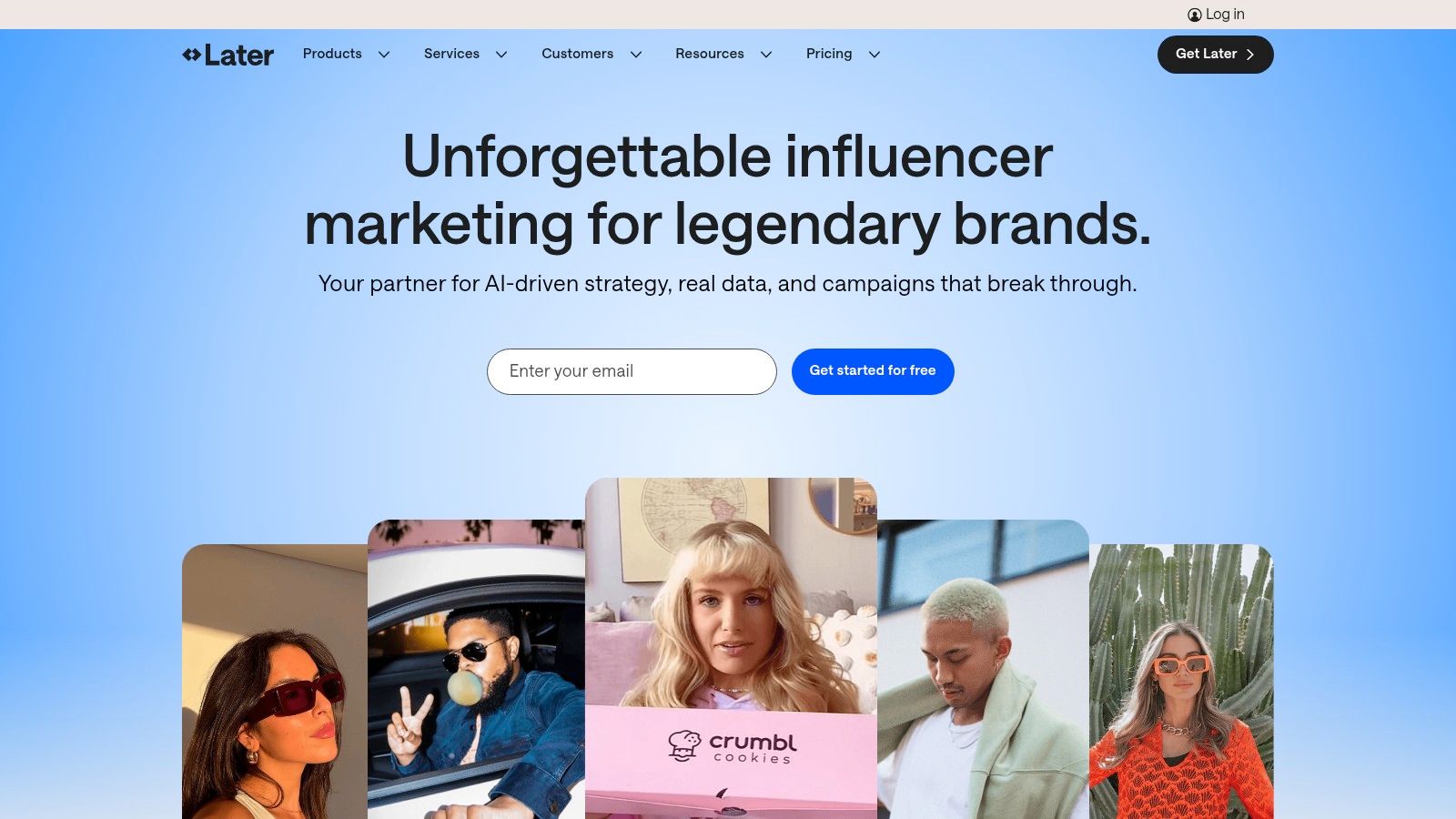
The platform streamlines the workflow for Reels and Shorts, offering scheduling and analytics tailored to short-form video. Key features like its Link in Bio tool allow for the creation of a clickable landing page, driving traffic from social profiles directly to a menu, event page, or online store. This combination of visual planning and commerce-centric features makes it one of the top social media management tools for brands that rely on strong visual storytelling to attract customers.
Key Details & Use Cases
- Ideal For: Small-to-medium businesses, e-commerce brands, and content creators who prioritize visual platforms like Instagram, TikTok, and Pinterest.
- Standout Feature: The Visual Planner, which allows users to drag and drop posts to see exactly how their Instagram grid will look before publishing.
- Practical Tip: Use the User-Generated Content (UGC) feature to find, collect, and repost photos and videos from customers enjoying your bar or products. Search by mentions or hashtags, get permissions, and schedule high-quality social proof directly to your feed.
| Feature Highlights | Pricing & Plans |
|---|---|
| Visual content calendar & planner | Starter: Starts at $25/month |
| Link in Bio & e-commerce tools | Growth: Starts at $45/month |
| UGC collection & management | Advanced: Starts at $80/month |
| Reels & TikTok scheduling | A limited free plan is also available. |
Pros:
- Excellent for visual planning and reels/shorts workflows.
- Intuitive interface with easy onboarding and a strong mobile app experience.
- Strong focus on creator-economy features like Link in Bio and UGC.
Cons:
- The Scale plan is required for advanced benchmarking and longer analytics windows.
- Fewer enterprise-level admin controls compared to high-end suites.
Website: https://later.com/
5. Agorapulse
Agorapulse has carved out a strong reputation as a user-friendly, all-in-one social media management tool that excels in team collaboration and reporting. It is particularly popular among marketing agencies and mid-sized businesses that need robust functionality without the enterprise-level complexity or cost. For bar consultants managing several client accounts, Agorapulse's agency-grade features like shared calendars, approval workflows, and white-label reporting provide a seamless and professional management experience.
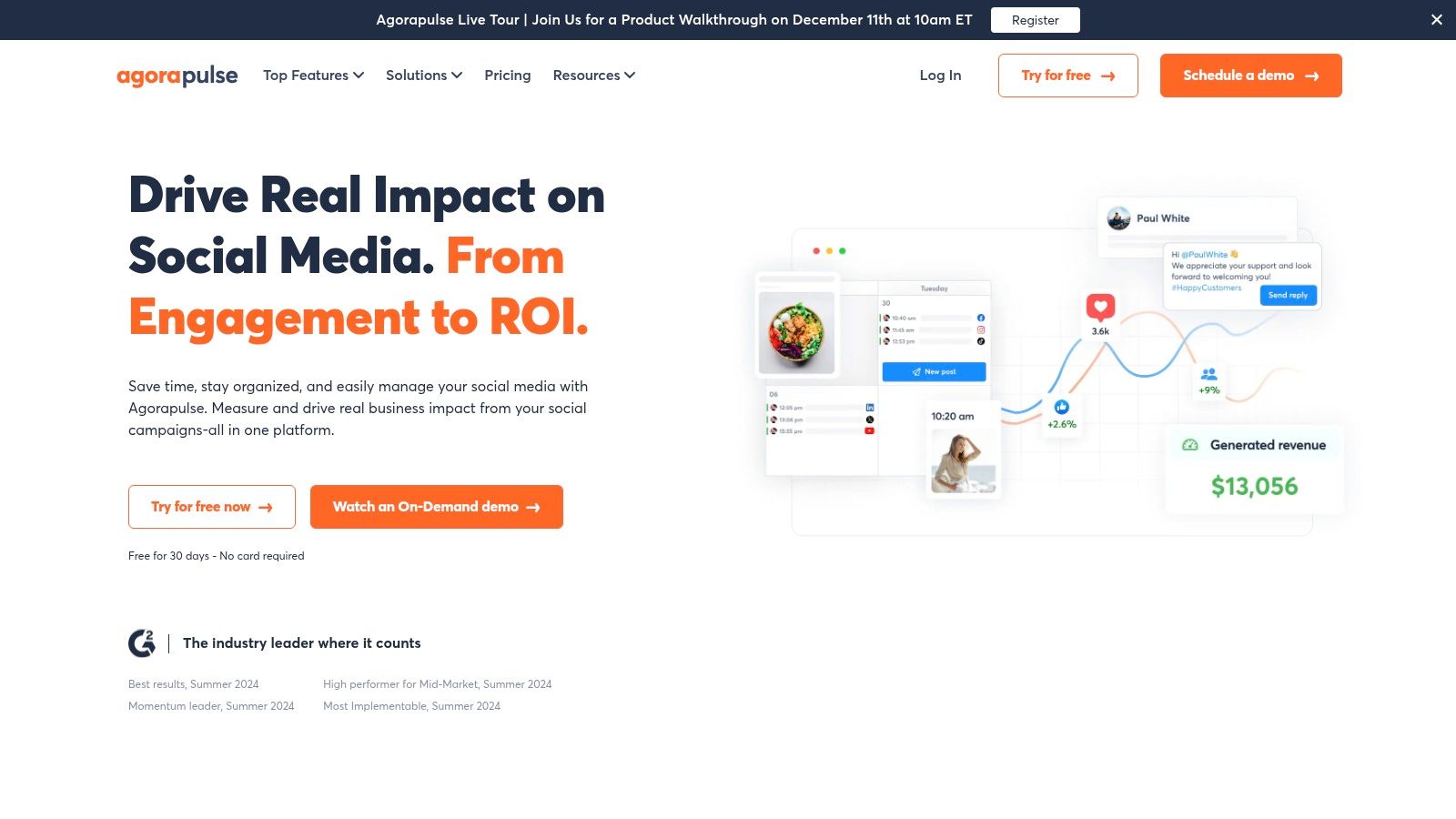
A key differentiator is its powerful unified inbox, which not only gathers comments and messages but also includes ad comment management for Meta, TikTok, and LinkedIn. This allows marketing teams to monitor engagement on both organic posts and paid campaigns in one place. Its clear, per-user pricing model and responsive customer support are frequently highlighted by users, making it a reliable and transparent choice among the top social media management tools.
Key Details & Use Cases
- Ideal For: Marketing agencies, mid-sized businesses, and teams that require strong collaboration tools and detailed, client-ready reporting.
- Standout Feature: The comprehensive unified inbox that includes ad comment monitoring, alongside excellent team workflow and approval features.
- Practical Tip: Use the "Inbox Assistant" to create automated moderation rules. For instance, you can set rules to automatically hide or review comments containing specific keywords, helping to maintain a positive and safe online environment for your brand.
| Feature Highlights | Pricing & Plans |
|---|---|
| Unlimited post scheduling | Standard: Starts at $49/user/month |
| Unified inbox with ad comments | Professional: Starts at $79/user/month |
| White-label reporting options | Advanced: Starts at $119/user/month |
| Agency-grade collaboration | A limited free plan is also available. |
Pros:
- Transparent per-user pricing and a strong reputation for responsive support.
- Excellent collaboration and approval workflows designed for agencies and teams.
- Often seen as a strong value proposition compared to larger, more expensive suites.
Cons:
- Some advanced features, like social listening and specific network add-ons, can increase the total cost.
- Analytics may not be as deeply comprehensive as the highest-end enterprise platforms.
Website: https://www.agorapulse.com/
6. Sendible
Sendible is a social media management platform designed specifically with agencies and multi-brand businesses in mind. Its structure is built around client management, making it an excellent choice for bar consultants or marketing agencies handling social media for several venues or liquor brands at once. The platform offers a clean, user-friendly interface that simplifies complex workflows, from content creation to reporting.
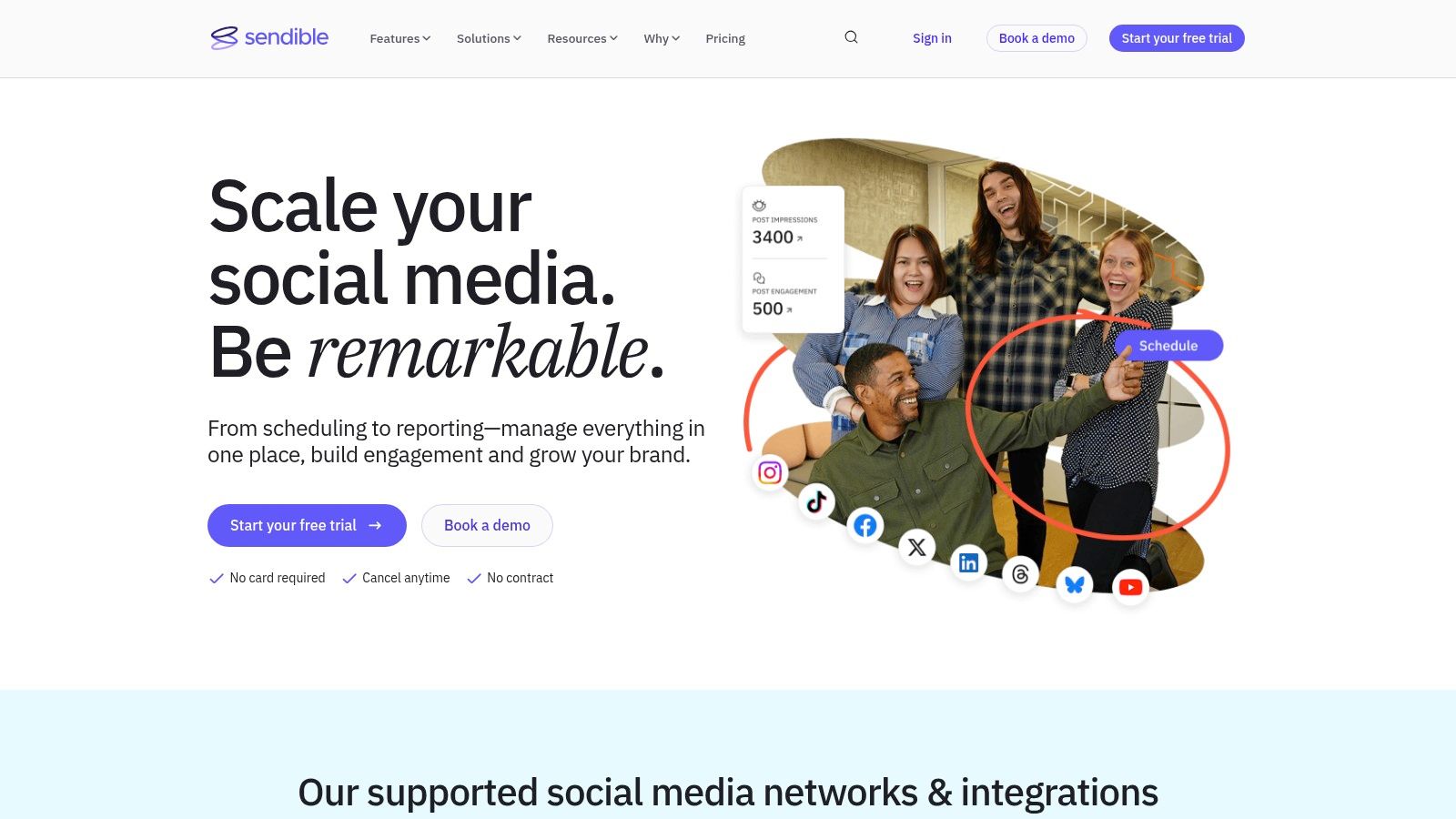
What makes Sendible a standout among the top social media management tools is its focus on agency-centric features like white-labeling and dedicated client dashboards. These allow consultants to provide a branded, professional reporting experience without the high costs often associated with custom solutions. Its robust approval workflows also ensure brand managers can review and sign off on posts before they go live, maintaining brand consistency across all accounts.
Key Details & Use Cases
- Ideal For: Marketing agencies, freelancers, and businesses managing multiple brands or client accounts.
- Standout Feature: A comprehensive suite of agency-focused tools, including custom-branded reports, client dashboards, and streamlined approval processes.
- Practical Tip: Use the "Content Libraries" to store approved brand assets, logos, and evergreen post templates for each client. This ensures your team can quickly create on-brand content without needing to search for files.
| Feature Highlights | Pricing & Plans |
|---|---|
| Team collaboration & approval workflows | Creator: Starts at $29/month |
| Bulk scheduling & content libraries | Traction: Starts at $89/month |
| Automated & custom client reports | Scale: Starts at $240/month |
| Optional white-labeling add-ons | White Label: Custom pricing |
Pros:
- Agency-friendly pricing structure and feature set.
- Strong user ratings for ease of use and customer support.
- Direct integration with Canva for seamless visual content creation.
Cons:
- Some users report intermittent publishing glitches or connection issues.
- Full white-label features require higher-tier plans or paid add-ons.
Website: https://www.sendible.com/
7. SocialPilot
SocialPilot carves out its niche by offering one of the best value propositions on the market, making it an excellent choice for growing agencies, small businesses, and teams managing multiple client accounts. It delivers a comprehensive set of features, including bulk scheduling, a unified social inbox, and robust analytics, at a price point that is significantly more accessible than many of its enterprise-level competitors. For bar consultants or marketing teams handling several liquor brands, SocialPilot’s generous account and user limits provide exceptional capacity without a steep cost increase.
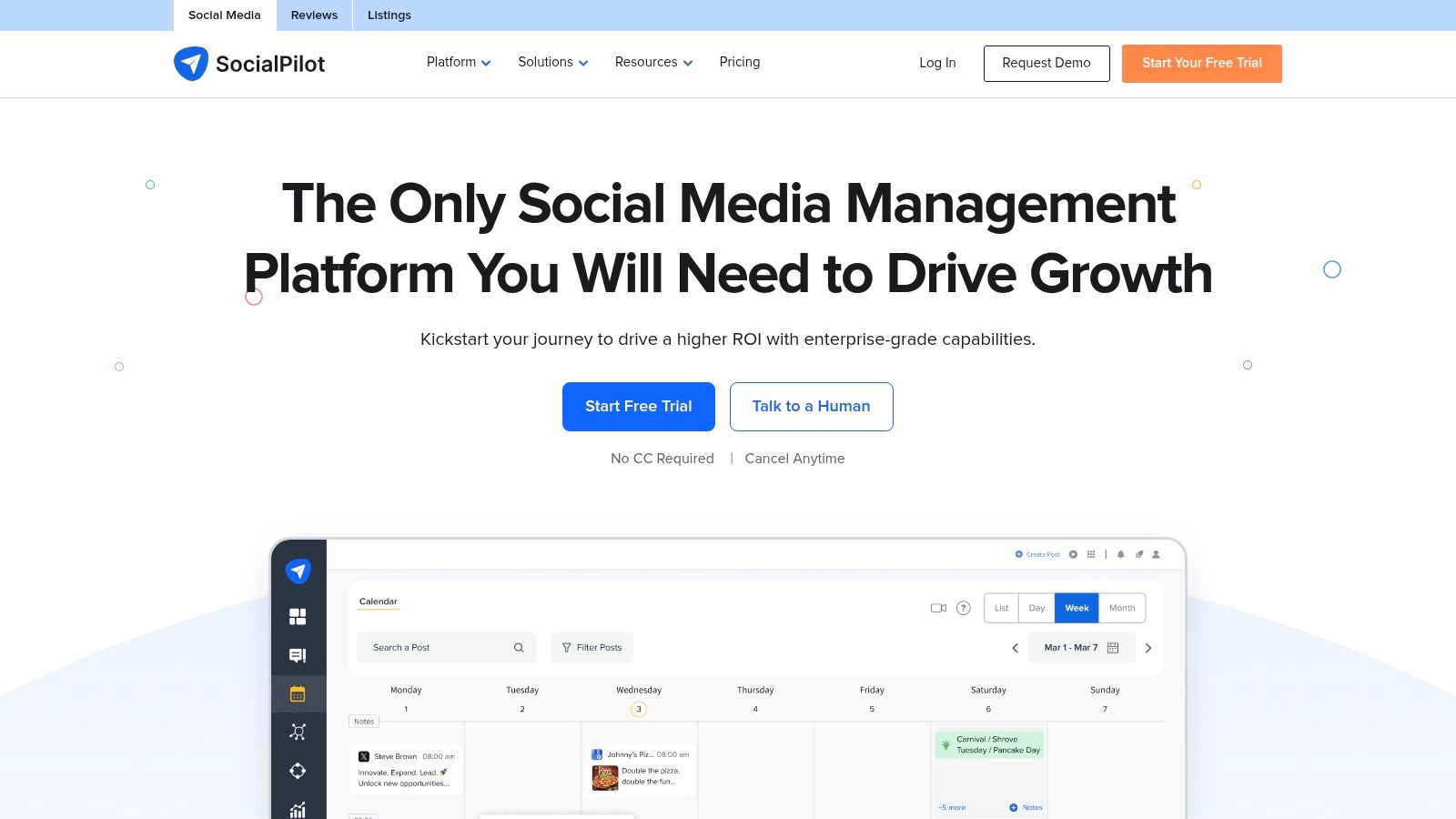
The platform’s strength lies in its balance of high-capacity features and affordability, which makes it one of the top social media management tools for users who need to scale efficiently. Features like white-label reports and client approval workflows are built directly into its plans, streamlining agency operations. While its user interface and advanced social listening capabilities may not be as polished as premium-tier platforms, its straightforward functionality and predictable pricing model offer undeniable appeal for budget-conscious but high-volume users.
Key Details & Use Cases
- Ideal For: Small-to-medium-sized businesses (SMBs) and marketing agencies that require a high volume of social accounts and user seats at a cost-effective price.
- Standout Feature: Aggressive price-to-capacity ratio, offering plans that support a large number of social accounts and users without exorbitant costs.
- Practical Tip: Use the content curation feature to discover and schedule relevant articles and posts directly within the platform. This helps maintain a consistent content flow for your bar's channels even during busy periods.
| Feature Highlights | Pricing & Plans |
|---|---|
| Bulk scheduling & content calendar | Professional: Starts at $25.50/month |
| White-label PDF reports | Agency: Starts at $85/month |
| Client & team management workflows | Agency+: Starts at $170/month |
| Unified social media inbox | A 14-day free trial is available. |
Pros:
- Exceptional value with generous limits on social accounts and users.
- Transparent and affordable pricing for adding extra accounts or team members.
- Strong agency-focused features like client management and white-labeling.
Cons:
- Reporting and analytics are less in-depth than premium alternatives.
- Fewer third-party integrations compared to more established platforms.
Website: https://www.socialpilot.co/
8. Loomly
Loomly is a calendar-first content planning and publishing platform that excels at creating structured workflows for teams. It is particularly well-suited for brands, agencies, and franchises that require a clear, organized process from content creation to final approval. For a liquor brand managing multiple product lines or a bar consultant overseeing several client accounts, Loomly’s emphasis on multi-step approvals and a shared asset library ensures brand consistency and streamlined collaboration.
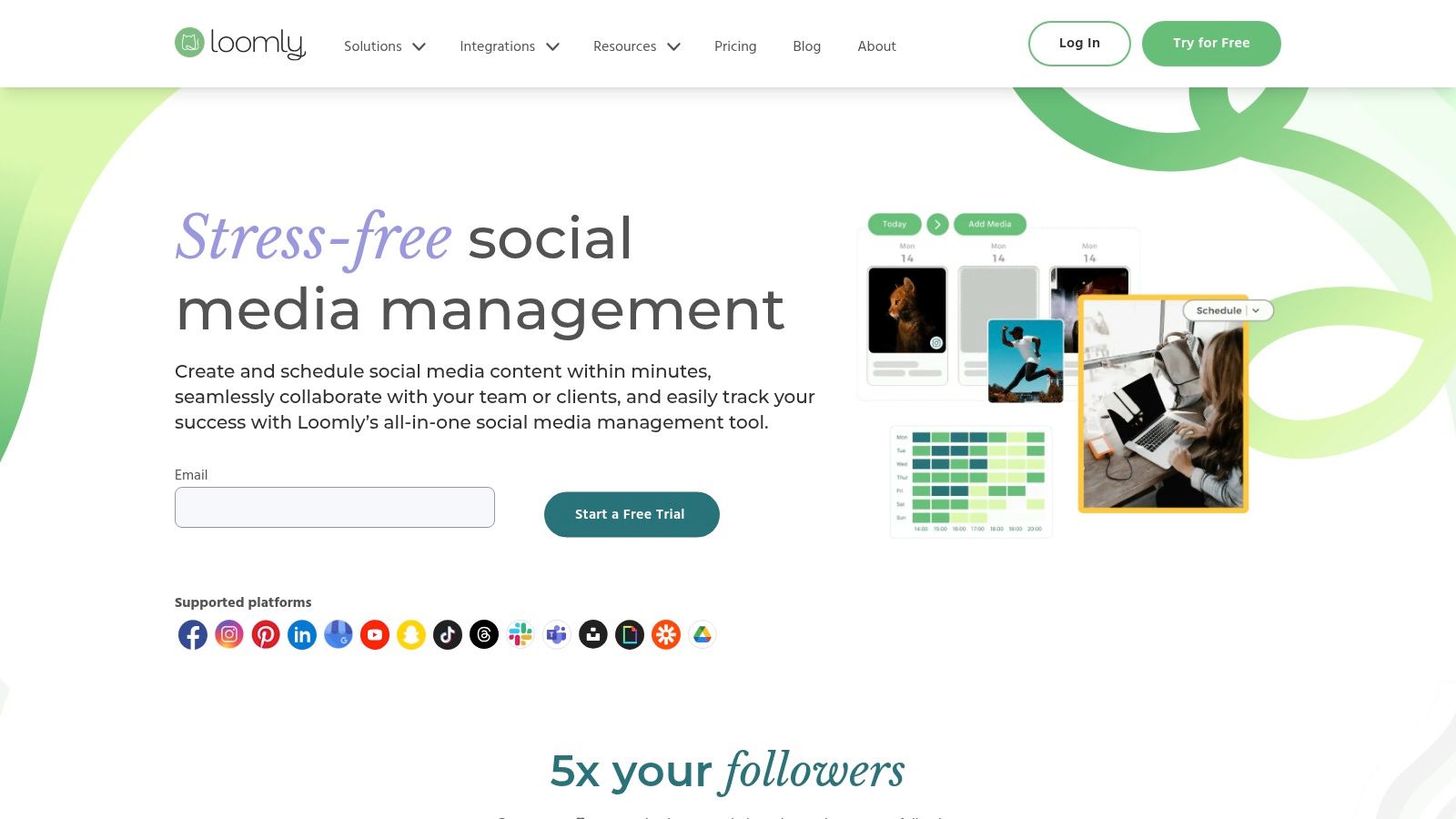
The platform’s standout strength is its clean, intuitive user interface, which makes planning content at scale feel organized rather than overwhelming. Instead of just scheduling, it guides teams through the entire content lifecycle, from ideation and drafting to client review and final publication. This structured approach makes Loomly one of the top social media management tools for teams that value process and clarity, helping to prevent errors and ensure every post aligns with the overall strategy.
Key Details & Use Cases
- Ideal For: Marketing agencies, franchise businesses, and in-house teams that need a strong, collaborative content approval workflow.
- Standout Feature: The intuitive calendar interface combined with multi-step approval workflows provides a clear and organized system for team and client collaboration.
- Practical Tip: Use the "Post Ideas" feature, which offers suggestions based on trending topics, date-related events, and RSS feeds, to keep your content calendar for your bar or liquor brand fresh and relevant.
| Feature Highlights | Pricing & Plans |
|---|---|
| Multi-step approvals & client review | Base: Starts at $32/month |
| Content library & campaign planning | Standard: Starts at $64/month |
| Integrations with major social platforms | Advanced: Starts at $136/month |
| Intuitive, calendar-first UI | Enterprise: Custom pricing |
Pros:
- Clean, intuitive UI is geared toward planning and collaboration.
- Offers a smooth client review and approval experience.
- Provides helpful content suggestions and optimization tips.
Cons:
- Less focused on deep social listening and advanced paid ad analytics compared to enterprise-level suites.
- Full pricing details for larger plans may require direct contact.
Website: https://www.loomly.com/
9. Zoho Social
Zoho Social is a powerful contender among social media management tools, especially for budget-conscious small-to-medium businesses and marketing agencies. It offers a comprehensive suite of features covering scheduling, monitoring, and reporting, all while integrating seamlessly into the broader Zoho ecosystem. For bar consultants or liquor brands already using Zoho CRM or Desk, this tool provides a unified workflow, allowing teams to connect social media interactions directly with customer relationship data.
The platform's strength lies in its balance of affordability and functionality. It provides essential features like a content calendar, a unified inbox for messages and mentions, and custom reporting without the enterprise-level price tag. Its SmartQ scheduling feature is particularly useful, suggesting optimal times to post for maximum engagement, helping busy marketing teams automate their content delivery effectively. This smart, integrated approach makes it an excellent choice for businesses looking to streamline their marketing stack.
Key Details & Use Cases
- Ideal For: SMBs, agencies, and existing Zoho users who need a cost-effective, all-in-one social media tool with strong CRM integration capabilities.
- Standout Feature: Deep integration with the Zoho ecosystem, particularly Zoho CRM, which allows for lead generation and customer support directly from social media.
- Practical Tip: Use the Monitoring dashboards to create dedicated columns that track brand mentions, keywords relevant to your bar (e.g., "happy hour deals," "craft cocktails"), and competitor activity. This helps you engage with relevant conversations as they happen.
| Feature Highlights | Pricing & Plans |
|---|---|
| Multi-network scheduling with SmartQ | Standard: Starts at $10/month |
| Monitoring dashboards & unified inbox | Professional: Starts at $30/month |
| Team roles & agency client portals | Agency: Starts at $200/month |
| Integration with Zoho CRM & Desk | A limited free plan is also available. |
Pros:
- Highly competitive pricing with generous channel coverage.
- Excellent integration opportunities for existing Zoho customers.
- Clean, user-friendly interface that is easy to navigate.
Cons:
- Advanced analytics and social listening are less extensive than premium suites.
- Key feature availability varies significantly between pricing plans.
Website: https://www.zoho.com/social/
10. HubSpot (Marketing Hub social tools)
HubSpot offers social media management not as a standalone product but as an integrated component of its comprehensive Marketing Hub. This makes it an ideal choice for businesses, such as growing liquor brands, that want to connect social media activity directly to their broader marketing efforts and customer relationship management (CRM) system. The platform’s strength lies in its ability to track a social media engagement from the first click all the way through to a sale, providing unparalleled revenue attribution.
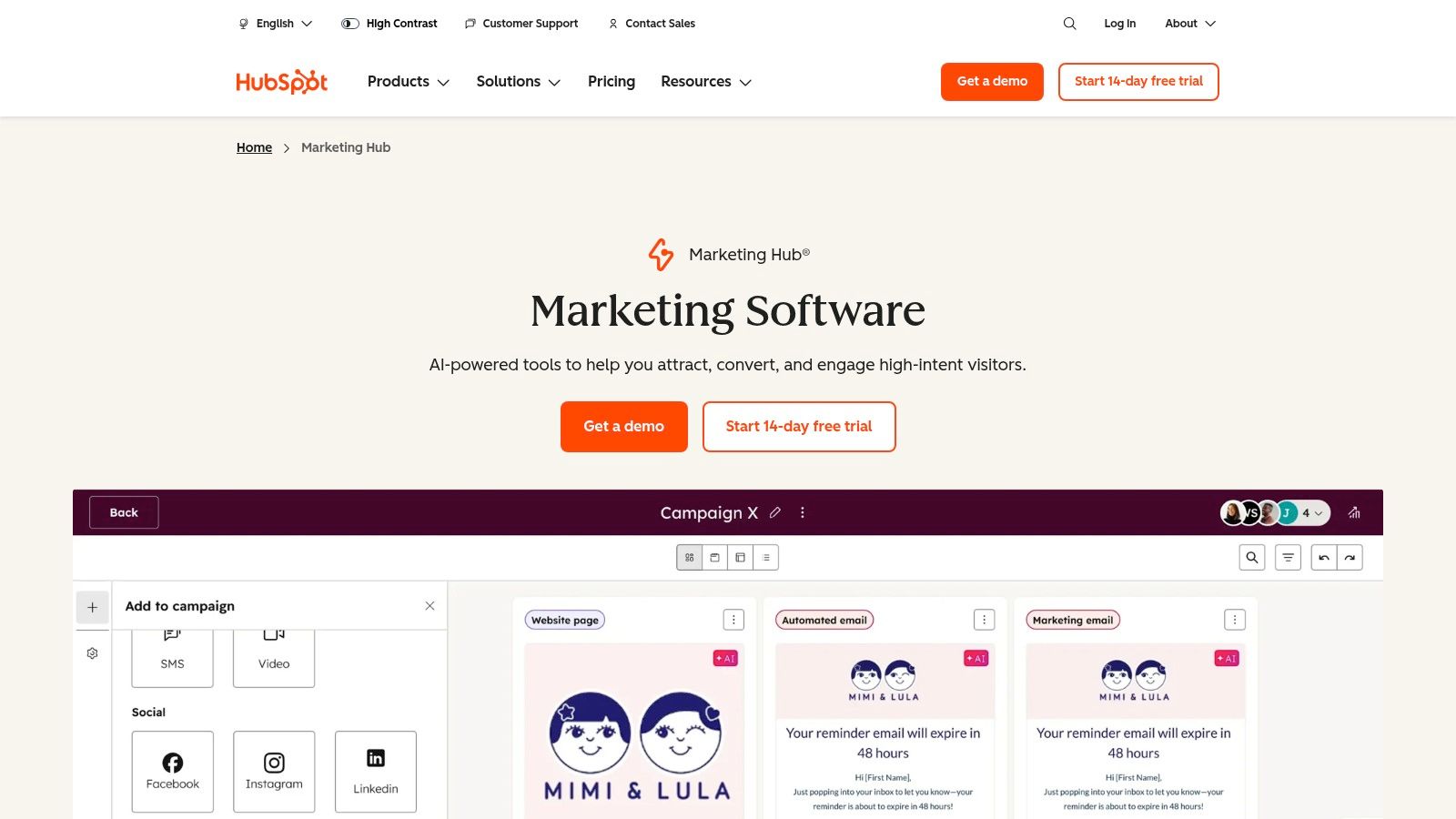
By housing social publishing, monitoring, and reporting within the same workspace as email marketing, ads, and sales activities, HubSpot provides a holistic view of the customer journey. Teams can manage cross-channel campaigns, create AI-assisted captions, and monitor brand mentions without leaving the platform. This unified approach makes HubSpot one of the top social media management tools for marketing teams focused on demonstrating tangible business impact from their social strategies.
Key Details & Use Cases
- Ideal For: Businesses of all sizes already using or planning to use the HubSpot CRM that need to tie social media performance directly to leads and revenue.
- Standout Feature: Deep integration with the HubSpot CRM, allowing for powerful, multi-channel marketing attribution and campaign tracking.
- Practical Tip: Create custom contact lists in the CRM based on social media interactions. For example, a list of users who engaged with posts about a new whiskey release can be targeted with a follow-up email campaign announcing its availability.
| Feature Highlights | Pricing & Plans |
|---|---|
| Integrated social publishing & monitoring | Social tools are included in Marketing Hub plans |
| AI-assisted content creation | Starter: Starts at $18/month (billed annually) |
| Advanced social media ROI reporting | Professional: Starts at $800/month (billed annually) |
| Full CRM and marketing automation suite | Enterprise: Starts at $3,600/month (billed annually) |
Pros:
- Deep CRM integration provides a single source of truth for customer data.
- Strong multi-channel attribution for tracking campaign performance and ROI.
- Consolidates the marketing stack, reducing the need for multiple disparate tools.
Cons:
- Can be overkill if you only require basic social media scheduling.
- The Professional and Enterprise tiers represent a significant investment with potential onboarding fees.
This deep integration is especially useful when you need to measure your marketing ROI accurately across different channels.
Website: https://www.hubspot.com/products/marketing
11. G2 (Social Media Management category)
While not a management tool itself, G2 is an essential research platform for anyone evaluating the best social media management tools for their needs. It functions as a comprehensive software marketplace and review site, allowing you to compare solutions side-by-side using verified peer reviews, detailed feature matrices, and their signature Grid rankings. For a bar manager or liquor brand marketer, this is the ideal starting point to shortlist vendors and validate the marketing claims of different platforms with feedback from real users.
The platform’s strength is its depth of data, offering filters to find tools based on company size, industry, or specific features. You can quickly see which platforms are ranked as "Leaders" or "High Performers" based on user satisfaction and market presence. By reading detailed pros and cons from people in similar roles, you can get an unfiltered look at a tool’s true strengths and weaknesses before committing to a demo or a subscription. This makes it an invaluable resource in the decision-making process.
Key Details & Use Cases
- Ideal For: Businesses of all sizes in the research phase of selecting a social media tool, especially those wanting to compare lesser-known options against market leaders.
- Standout Feature: The Grid® ranking system, which visually plots tools based on user satisfaction and market presence, making it easy to identify top-performing software at a glance.
- Practical Tip: Use the comparison feature to select up to four tools and generate a side-by-side report. Focus on reviews from users with a similar business size or industry (e.g., hospitality or retail) to get the most relevant insights.
| Feature Highlights | Pricing & Plans |
|---|---|
| Verified user reviews | Free: Access to reviews and rankings is free for users. |
| Detailed feature comparisons | Vendors pay for premium profiles and lead generation. |
| Grid® reports for category leaders | |
| Alternative software suggestions |
Pros:
- Excellent for shortlisting and validating vendor claims with authentic user feedback.
- Broad coverage across numerous vendors, including niche and emerging tools.
- User-friendly filters to narrow down options based on specific needs.
Cons:
- Sponsored placements can influence the order in which some tools are displayed.
- Some in-depth reports or data may require a sign-up or be gated.
To better understand how to select the right tool, consider reading about developing a social media strategy first.
Website: https://www.g2.com/categories/social-media-management
12. Capterra (Social Media Management category)
Capterra isn't a social media management tool itself, but rather a comprehensive software directory that is invaluable for finding the right tool. It serves as a crucial starting point for businesses, from single-location bars to large liquor brands, helping them navigate a crowded market. The platform provides verified user reviews, detailed feature comparisons, and robust filtering options, allowing users to make informed decisions based on their specific needs and budget.
For a bar consultant evaluating options for different clients, Capterra’s filters are a game-changer. You can quickly narrow down the list of top social media management tools by features like publishing automation, social listening, or analytics, and even filter for platforms that offer free plans. This saves countless hours of research, presenting a curated shortlist of vendors that meet your exact criteria, from functionality to price point.
Key Details & Use Cases
- Ideal For: Businesses of all sizes in the research and discovery phase of selecting a social media management tool.
- Standout Feature: Powerful filtering and comparison tools that let users sort by specific features, pricing models, user ratings, and business size.
- Practical Tip: Use the "Compare" feature to select up to four different tools and view their features, pricing, and user ratings side-by-side. This is perfect for presenting a clear, data-backed recommendation to your team or client.
| Feature Highlights | Pricing & Plans |
|---|---|
| Verified user reviews | Free to use for buyers |
| Advanced search filters | Vendors pay for placement and leads. |
| Side-by-side tool comparison | |
| Category-specific buyer guides |
Pros:
- Free to use and provides access to a massive pool of software vendors.
- Clear filters make it easy to compare features, platforms, and pricing.
- Verified reviews offer authentic insights from real users.
Cons:
- Sponsored listings are mixed in with organic results.
- The level of detail and technical depth can vary between listings.
Website: https://www.capterra.com/social-media-management-software/
Top 12 Social Media Management Tools — Feature Comparison
| Tool | ✨ Key features | 👥 Best for | ★ UX / Quality | 💰 Pricing & value | 🏆 USP |
|---|---|---|---|---|---|
| Hootsuite | Scheduling, unified inbox, analytics, OwlyGPT ✨ | Enterprises → SMBs 👥 | ★★★★☆ | 💰 mid–high; enterprise plans | 🏆 Broad network & governance |
| Sprout Social | Deep analytics, listening, customer‑care workflows ✨ | Mid‑market & enterprise 👥 | ★★★★☆ | 💰 high; per‑seat costs | 🏆 Reporting depth & collaboration |
| Buffer | Simple scheduler, basic analytics, link‑in‑bio, AI ✨ | Creators & SMBs 👥 | ★★★★☆ | 💰 affordable; free plan | 🏆 Ease of use & quick onboarding |
| Later | Visual calendar, UGC collection, commerce tagging ✨ | Visual brands & creators 👥 | ★★★★☆ | 💰 mid; creator tiers | 🏆 Visual‑first planning for reels |
| Agorapulse | Unified inbox, ROI reporting, white‑label options ✨ | Agencies & marketing teams 👥 | ★★★★☆ | 💰 mid; clear per‑user pricing | 🏆 Agency features + white‑label |
| Sendible | Client dashboards, bulk posting, approvals ✨ | Agencies & multi‑brand SMBs 👥 | ★★★☆☆ | 💰 mid; add‑ons for white‑label | 🏆 Client reporting & dashboards |
| SocialPilot | High account limits, bulk scheduling, AI credits ✨ | Budget‑conscious SMBs & agencies 👥 | ★★★☆☆ | 💰 very cost‑effective | 🏆 Price‑to‑capacity value |
| Loomly | Calendar‑first planning, multi‑step approvals, asset library ✨ | Brands, agencies, franchises 👥 | ★★★★☆ | 💰 mid; some custom quotes | 🏆 Clean planning + client review UX |
| Zoho Social | Scheduling, monitoring, approvals, Zoho integrations ✨ | SMBs & Zoho customers 👥 | ★★★☆☆ | 💰 affordable; generous channels | 🏆 Integrates with Zoho ecosystem |
| HubSpot (Marketing Hub) | Social publishing + CRM attribution, automation ✨ | Teams needing CRM‑linked social 👥 | ★★★★☆ | 💰 high; Professional/Enterprise cost | 🏆 Deep CRM integration & attribution |
| G2 | Peer reviews, feature comparisons, Grid rankings ✨ | Buyers shortlisting vendors 👥 | ★★★★☆ | 💰 free to use | 🏆 Crowd‑sourced vendor validation |
| Capterra | Directory, filters, buyer guides, verified reviews ✨ | Buyers researching software 👥 | ★★★☆☆ | 💰 free to use | 🏆 Broad searchable vendor listings |
Choosing Your Perfect Social Media Co-Pilot
Navigating the crowded landscape of social media management tools can feel overwhelming. We've explored a wide array of platforms, from the enterprise-level analytics powerhouse of Sprout Social to the visually-driven simplicity of Later, and the all-in-one marketing integration of HubSpot. Each tool offers a unique "co-pilot" for your brand's social media journey, but the key is finding the one that aligns perfectly with your flight plan.
The most common mistake is choosing a tool based on the longest feature list. Instead, the right choice is always rooted in your specific operational needs, team size, and strategic goals. A solo bar operator doesn't need the complex team workflows of Agorapulse, but they would thrive with the straightforward scheduling and content creation offered by a tool like Buffer or Loomly. Similarly, a multi-location liquor brand requires the robust reporting and client management features found in platforms like Sendible or SocialPilot to demonstrate ROI effectively.
From Analysis to Action: Your Next Steps
You've read the reviews and compared the features. Now it's time to move from passive research to active evaluation. The insights from this guide on the top social media management tools should empower you to create a shortlist of your top two or three contenders. Don't just read about their features; experience them firsthand.
Your next step is to leverage the free trials offered by nearly every platform we've discussed. This is the most critical phase of your decision-making process. A tool can look perfect on paper, but its true value is only revealed when you integrate it into your daily workflow.
Making Your Free Trial Count
To get the most out of your trial period, approach it with a clear plan. Don't just poke around the dashboard. Instead, focus on executing the core tasks that consume most of your time.
- Schedule a Full Week of Content: Can you easily bulk-schedule posts across all your key platforms? Is the content calendar intuitive and easy to read?
- Engage with Your Audience: Test the social inbox or engagement features. Does it effectively consolidate comments, mentions, and messages? How simple is it to assign a customer query to a team member?
- Pull a Performance Report: Generate a report for the previous week. Is the data easy to understand? Can you customize the report to show the metrics that matter most to your business, like engagement rate or click-throughs?
- Evaluate the User Experience: Most importantly, how does the platform feel? Is it fast and responsive, or clunky and confusing? If the interface frustrates you during a trial, it will become a significant bottleneck in the long run.
Ultimately, the best social media management tool is the one you and your team will actually use consistently. It should feel less like a chore and more like a strategic partner, an extension of your marketing mind that automates the mundane so you can focus on building genuine connections with your audience. Choosing the right platform is an investment that pays dividends in reclaimed time, streamlined workflows, and the strategic clarity needed to not just participate in social media, but to win.
This article originally appeared on SharpeTools.com as part of the Bar Marketing 101 series.